Description
Buy a Professional Power BI Date Slicer
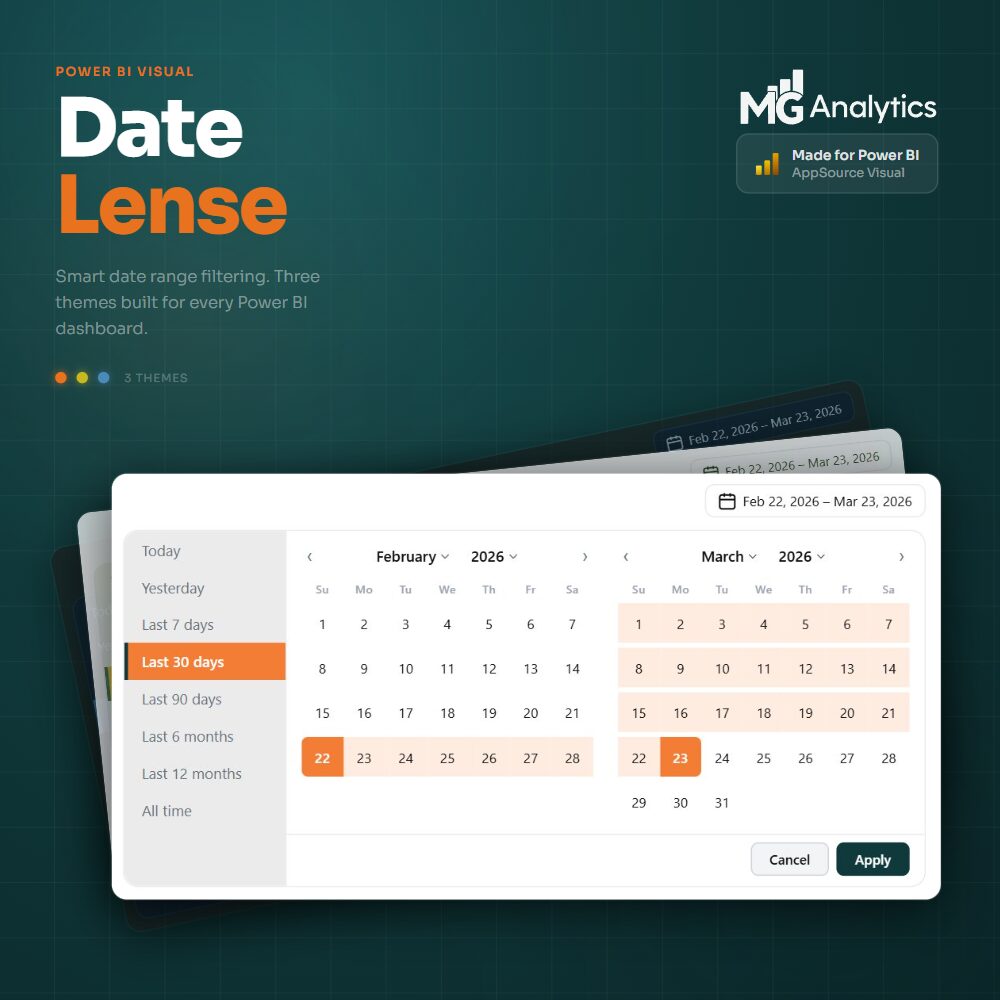
Bring a new level of precision and polish to your Power BI reports with Date Lens: a premium custom date range slicer built from the ground up by MG Analytics.
The standard Power BI date slicer has frustrated report developers for years. No customisation, no sensible defaults, and a choice between clunky bookmark-driven workarounds or paying up to $300 per year for a custom visual license. DateLens was built to solve all of that. Replace the out-of-the-box slicer with something your users will actually enjoy using: a fully custom date range visual that combines a clean trigger button, a two-month calendar view, and a smart preset panel into one elegant, highly configurable package.
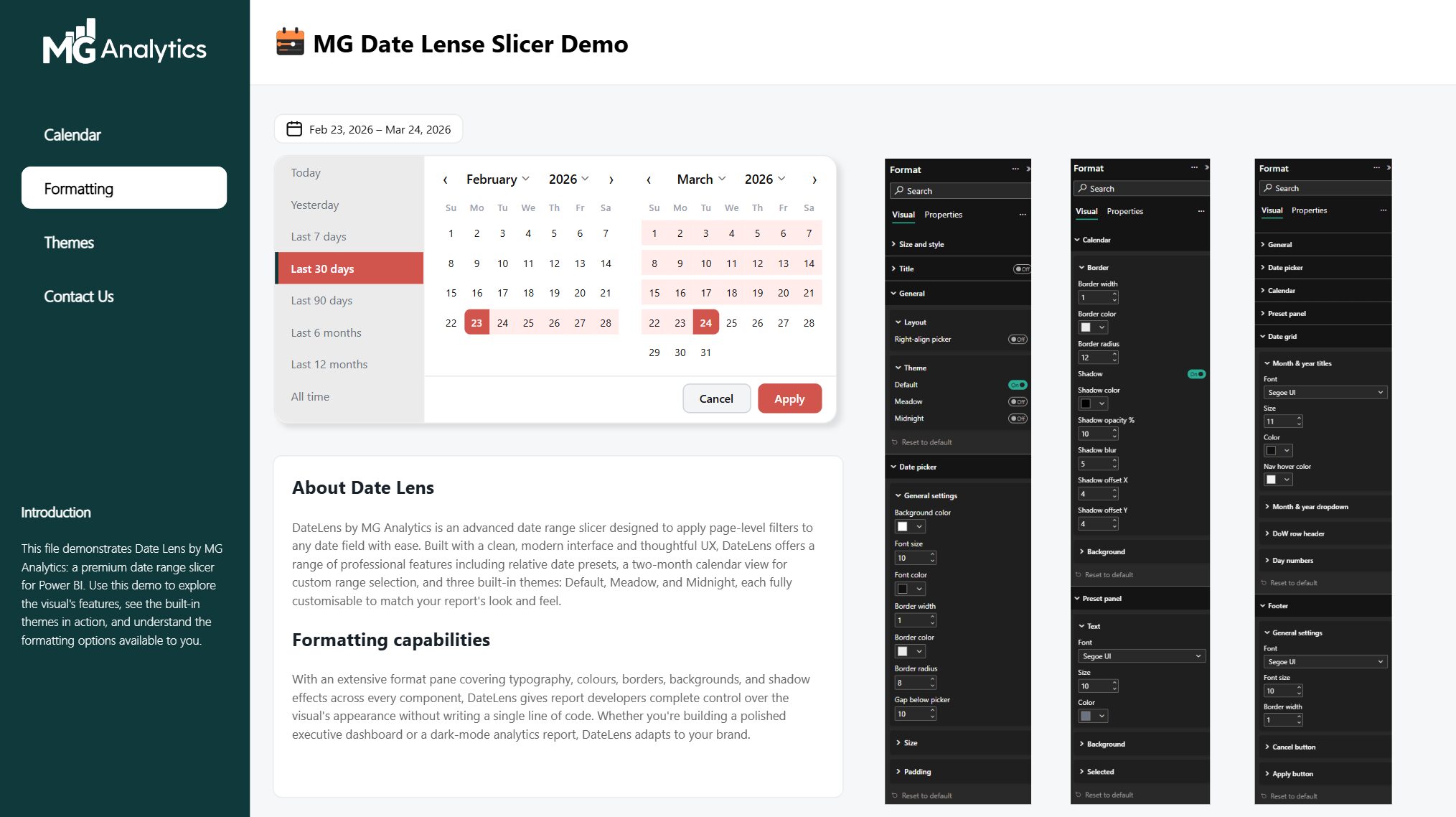
Built for report developers who care about the details, Date Lens gives you complete control over every aspect of the visual’s appearance. Typography, colours, borders, backgrounds and drop shadows are all configurable directly from the Power BI format pane, with no code required. And yes, it defaults to Last 30 days out of the box.
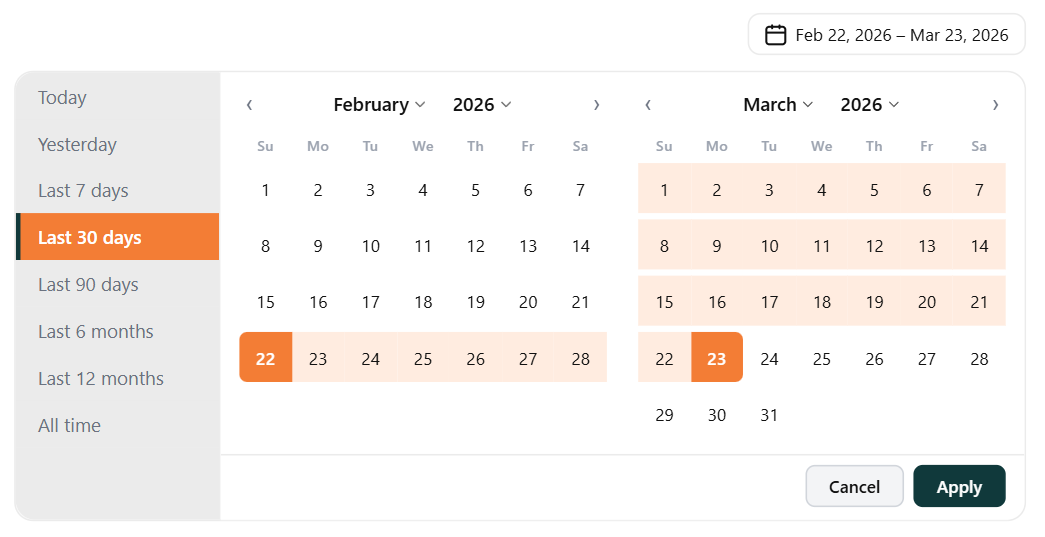
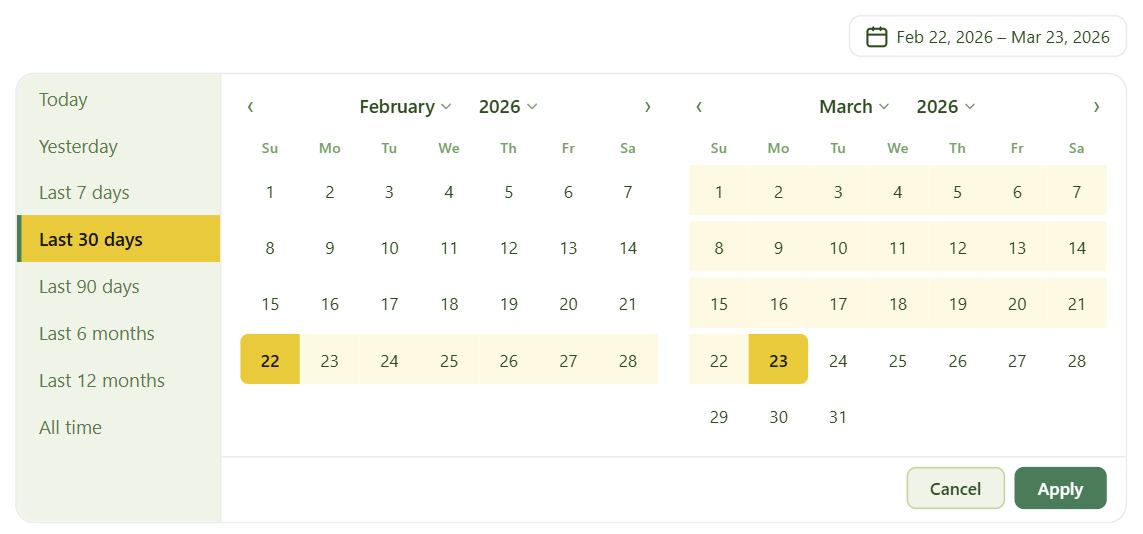
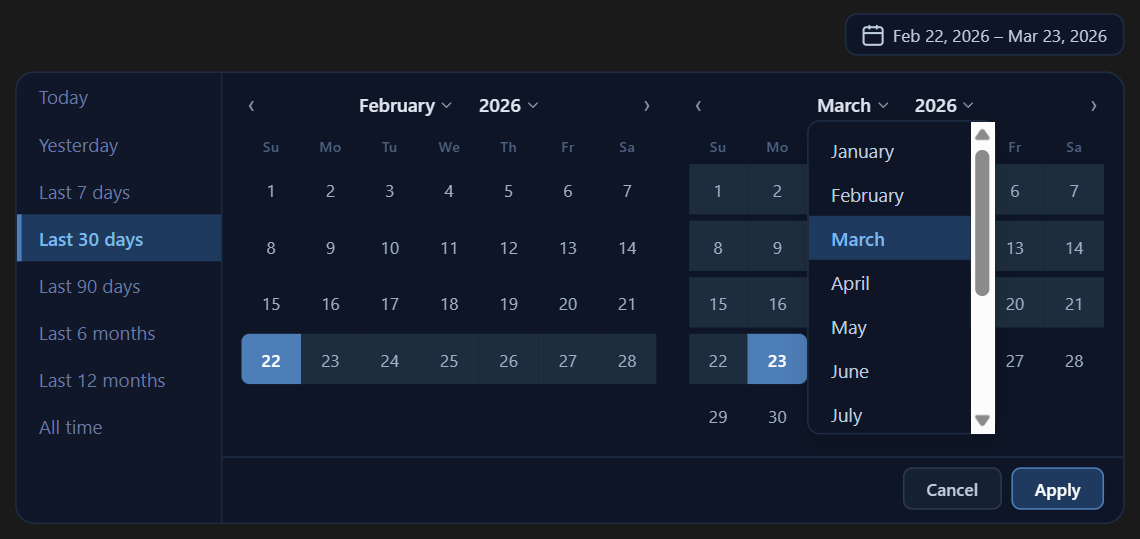
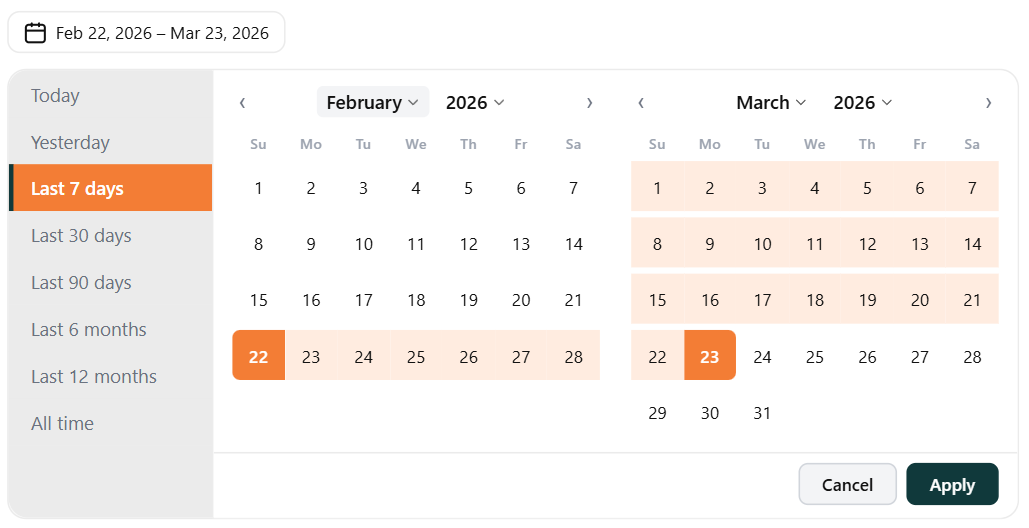
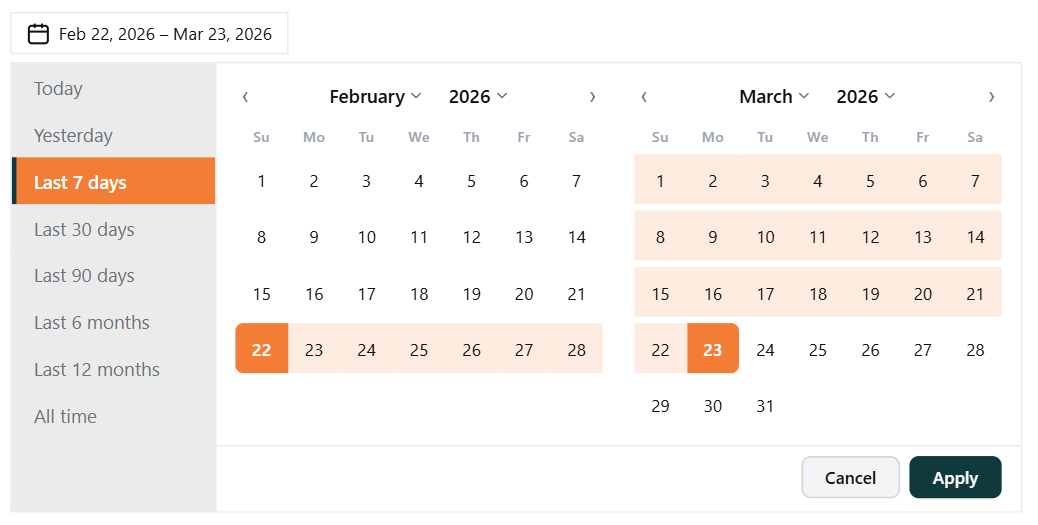
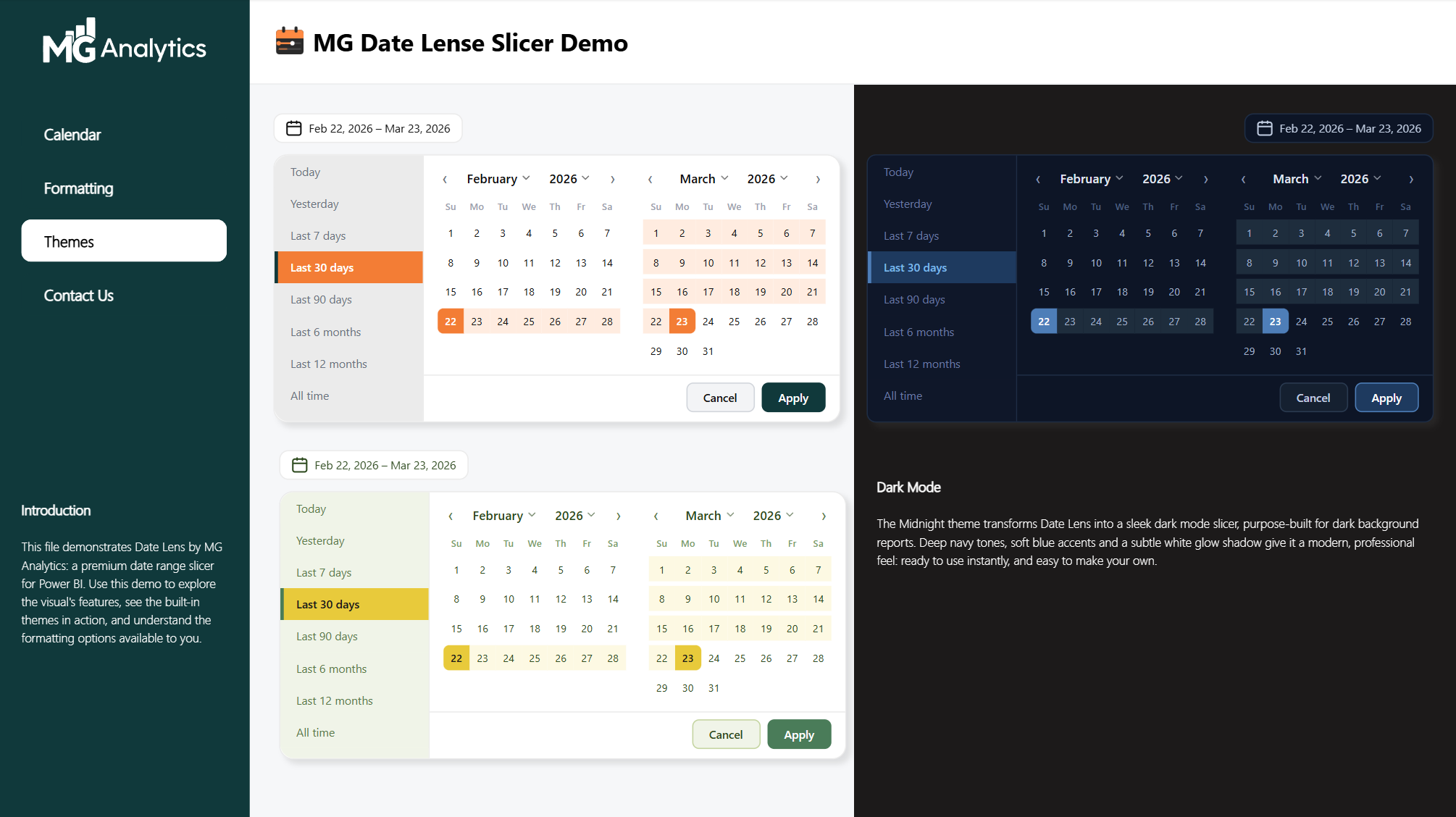
Three beautifully crafted built-in themes let you get started instantly. Default brings MG Analytics’ signature orange and forest green palette. Meadow offers a fresh, nature-inspired yellow and green palette perfect for light backgrounds. Midnight is a deep navy dark mode theme built for dark background dashboards. Every theme is fully customisable, so you can make Date Lens your own.
Key Features
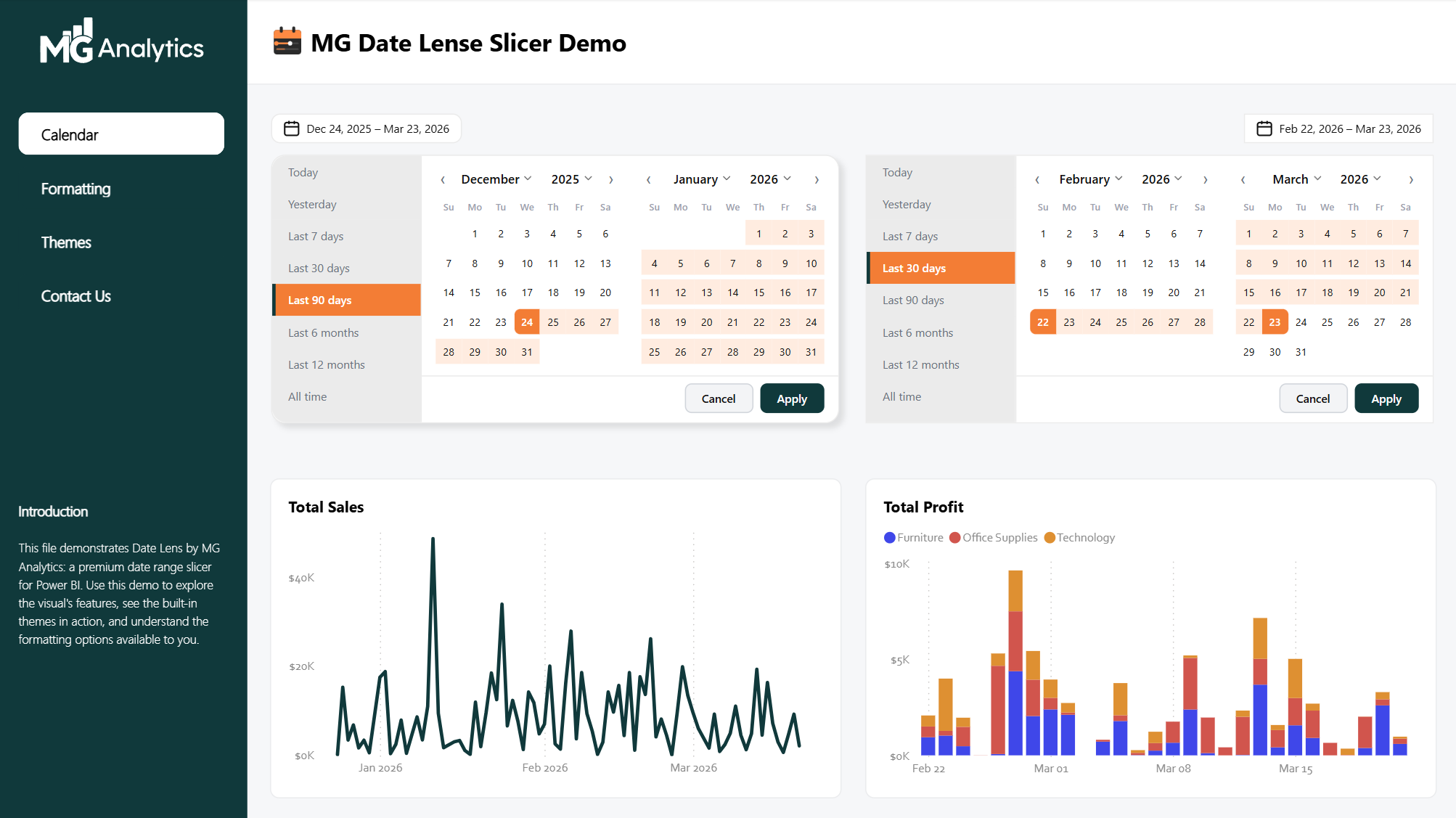
- Two-month calendar view with custom date range selection and hover preview
- Eight relative date presets: Today, Yesterday, Last 7 days, Last 30 days, Last 90 days, Last 6 months, Last 12 months, and All time
- Filters any date or datetime field: just drag your date column into the field well
- Three built-in themes: Default, Meadow, and Midnight
- Drop shadow control with colour, opacity, blur, and X/Y offset
- Full format pane control across six sections: General, Date Picker, Calendar, Preset Panel, Date Grid, and Footer
- Separate Cancel and Apply button styling including individual font color control
- Right or left trigger alignment toggle
- Works correctly in any time zone, anywhere in the world
What’s Included?
Date Lens .pbiviz custom visual file
Demo .pbix file showcasing all three themes with sample data and formatting examples
Pre-requisites
A working knowledge of Power BI including importing custom visuals and using the format pane. Date Lens is designed to be straightforward to install and configure, but familiarity with Power BI Desktop will help you get the most out of the formatting options. If you need support, feel free to get in touch.
Supported Fonts
Date Lens renders correctly with the following fonts: Arial, Calibri, Cambria, Candara, Consolas, Constantia, Corbel, DIN, Georgia, Segoe UI, Symbol, Tahoma, Verdana, and Wingdings. This is a known limitation of Power BI’s custom visual sandbox environment.
Shop With Confidence
Our store uses WooCommerce & Stripe and industry-standard SSL encryption to keep your personal and payment information safe at all times.
Any Restrictions?
None. Once purchased, the .pbiviz file and demo .pbix are yours to use freely across your reports and client projects. Keep a backup of the original files so you can always revert to what you purchased.
Digital file download links expire 90 days after purchase.