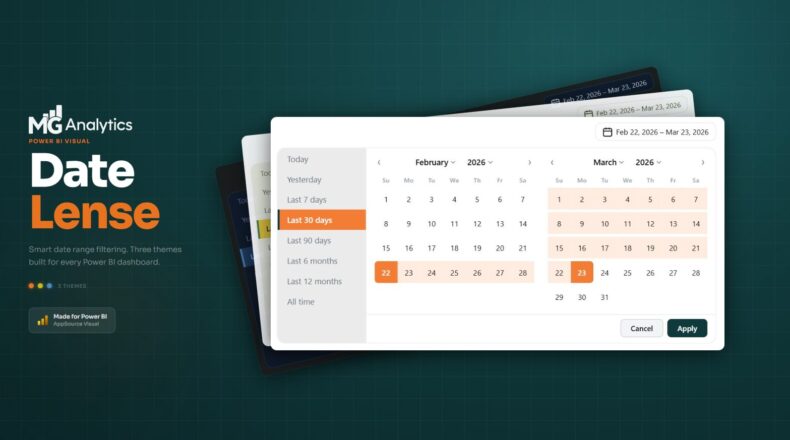
If you’ve spent any time building Power BI reports professionally, you already know the frustration. The native date slicer is clunky, barely customisable, and completely at odds with the polished dashboards you’re trying to build. Bookmark workarounds help, but they’re brittle. Third-party alternatives exist, but they’ll cost you up to $300 a year per license.
Meet Date Lens: a premium custom date range slicer built from the ground up by MG Analytics, designed to replace the out-of-the-box experience with something your users will actually enjoy using.
Why the Native Date Slicer Isn’t Good Enough
Report developers have been working around Power BI‘s date slicer limitations for years. No sensible defaults, no relative presets, no control over the look and feel. It’s one of the most-used visuals in any report, and yet it’s one of the most frustrating to work with.
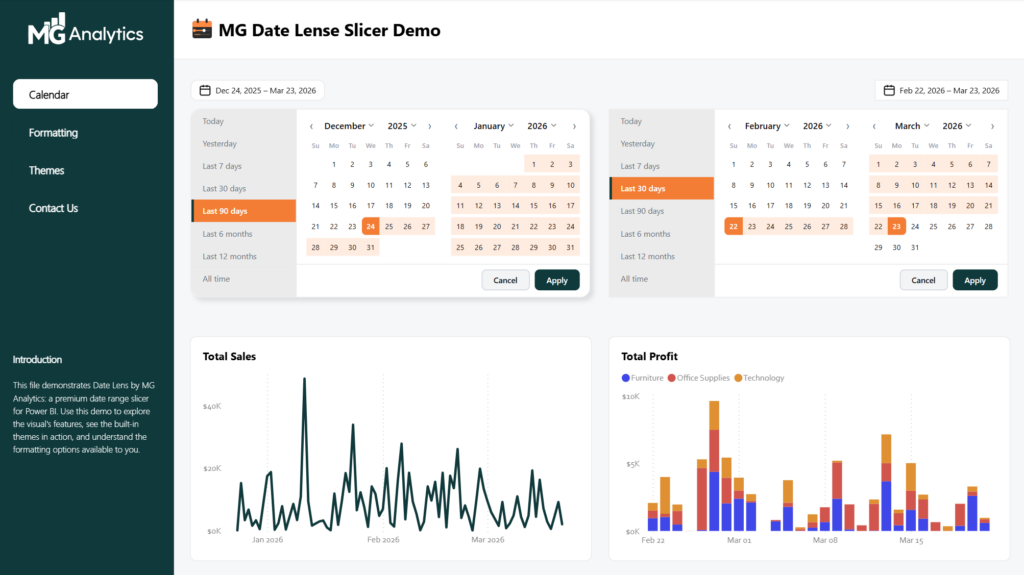
Date Lens was built to solve all of that in one elegant package: a clean trigger button, a two-month calendar view, a smart preset panel, and complete format pane control. No code. No workarounds. No annual subscription.
What You Get Inside
- Two-month calendar view with custom date range selection and hover preview
- Eight relative date presets: Today, Yesterday, Last 7 days, Last 30 days, Last 90 days, Last 6 months, Last 12 months, and All time
- Filters any date or datetime field, just drag your date column into the field well
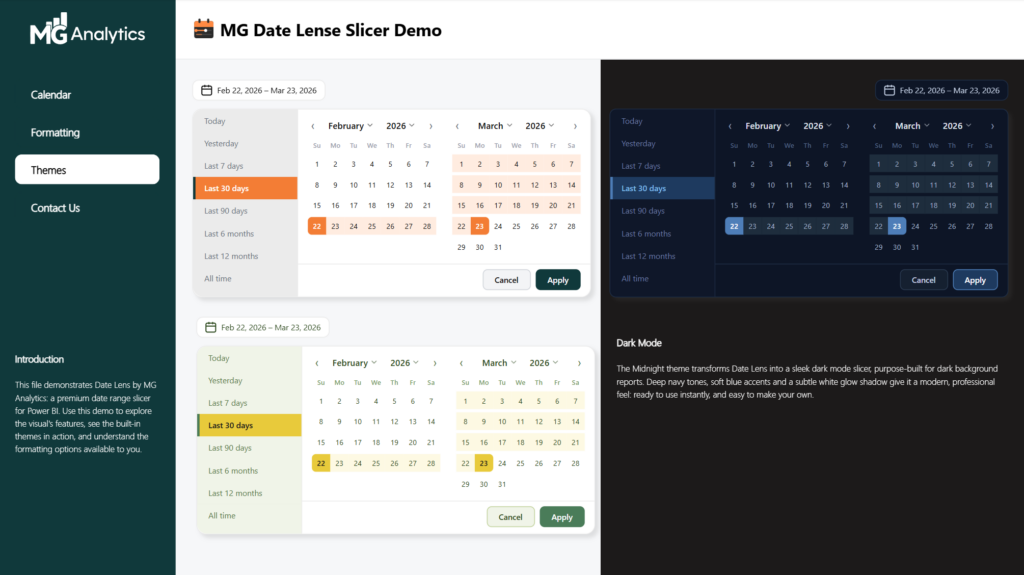
- Three built-in themes: Default, Meadow, and Midnight
- Full format pane control across six sections: General, Date Picker, Calendar, Preset Panel, Date Grid, and Footer
- Drop shadow control with colour, opacity, blur, and X/Y offset
- Right or left trigger alignment toggle
- Works correctly in any time zone, anywhere in the world
And yes, it defaults to Last 30 days out of the box. Finally.
Three Themes, One Visual
One of the standout features of Date Lens is its three beautifully crafted built-in themes. Default brings MG Analytics’ signature orange and forest green palette. Meadow offers a fresh, nature-inspired yellow and green palette that sits perfectly on light backgrounds. Midnight is a deep navy dark mode theme built for dark background dashboards. Every theme is fully customisable from the format pane, so you can adapt Date Lens to match your own report style.
Who It’s For
Date Lens is ideal for Power BI developers who:
- Care about the visual quality of their reports
- Are comfortable importing custom visuals and working in the format pane
- Want a professional date filtering experience without paying for an ongoing license
- Build reports for clients or internal stakeholders where presentation matters
Need a hand getting set up? We offer Power BI support and coaching, just reach out.
No Subscription. No Restrictions. Just a Better Slicer.
Once purchased, the .pbiviz file and demo .pbix are yours to use freely across your reports and client projects. There’s no recurring fee, no locked features, and no branding to remove. Use it once or use it across every report you build. Please note that digital download links expire 90 days after purchase.
Final Word: Replace the Slicer You’ve Always Hated
Date Lens was built because the native Power BI date slicer simply isn’t good enough for the reports we build. If you care about the details (and if you’re reading this, you probably do) this is the visual that fills the gap. Better defaults, better design, better experience. One purchase, yours to keep.